
Create event
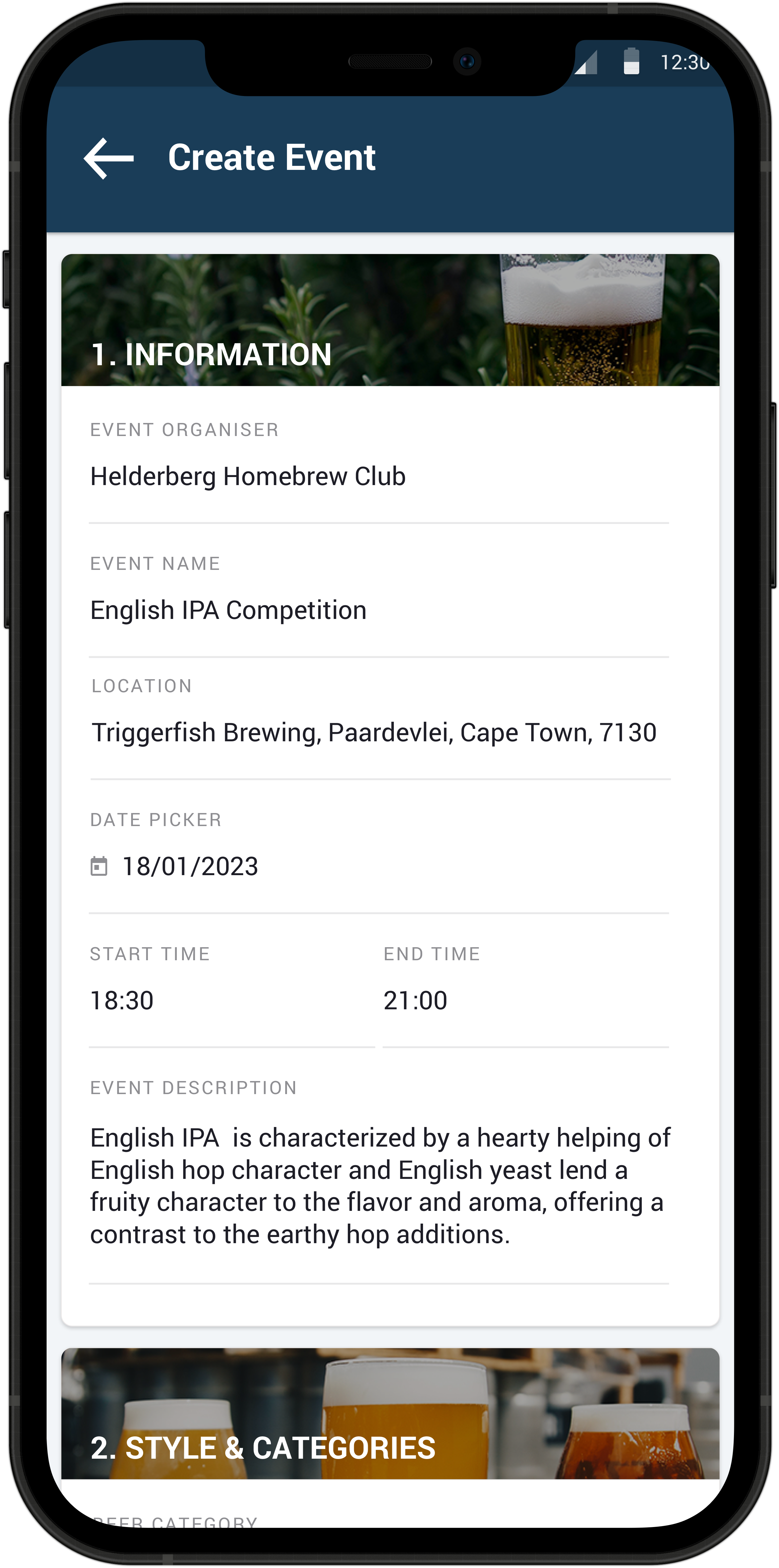
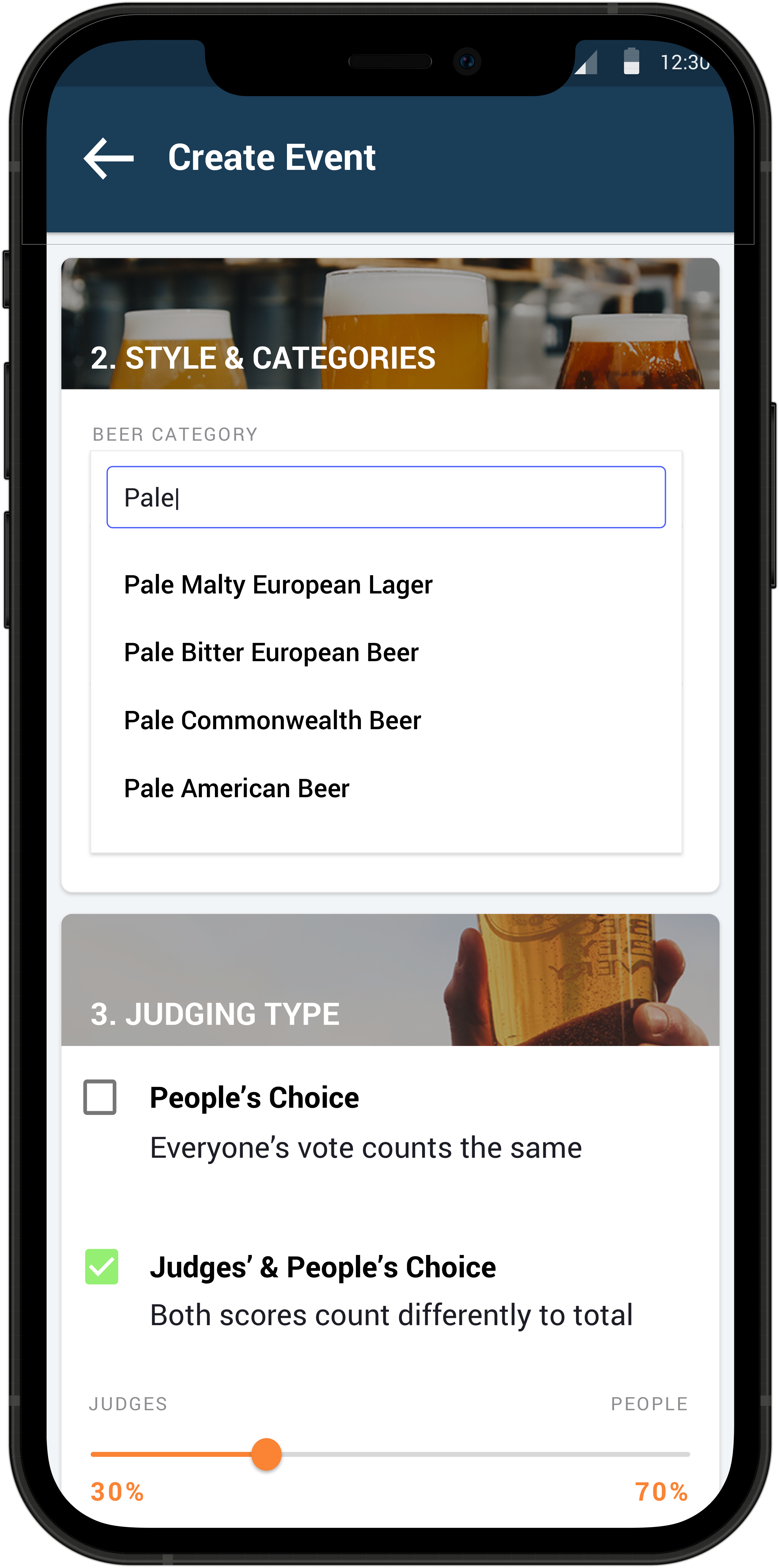
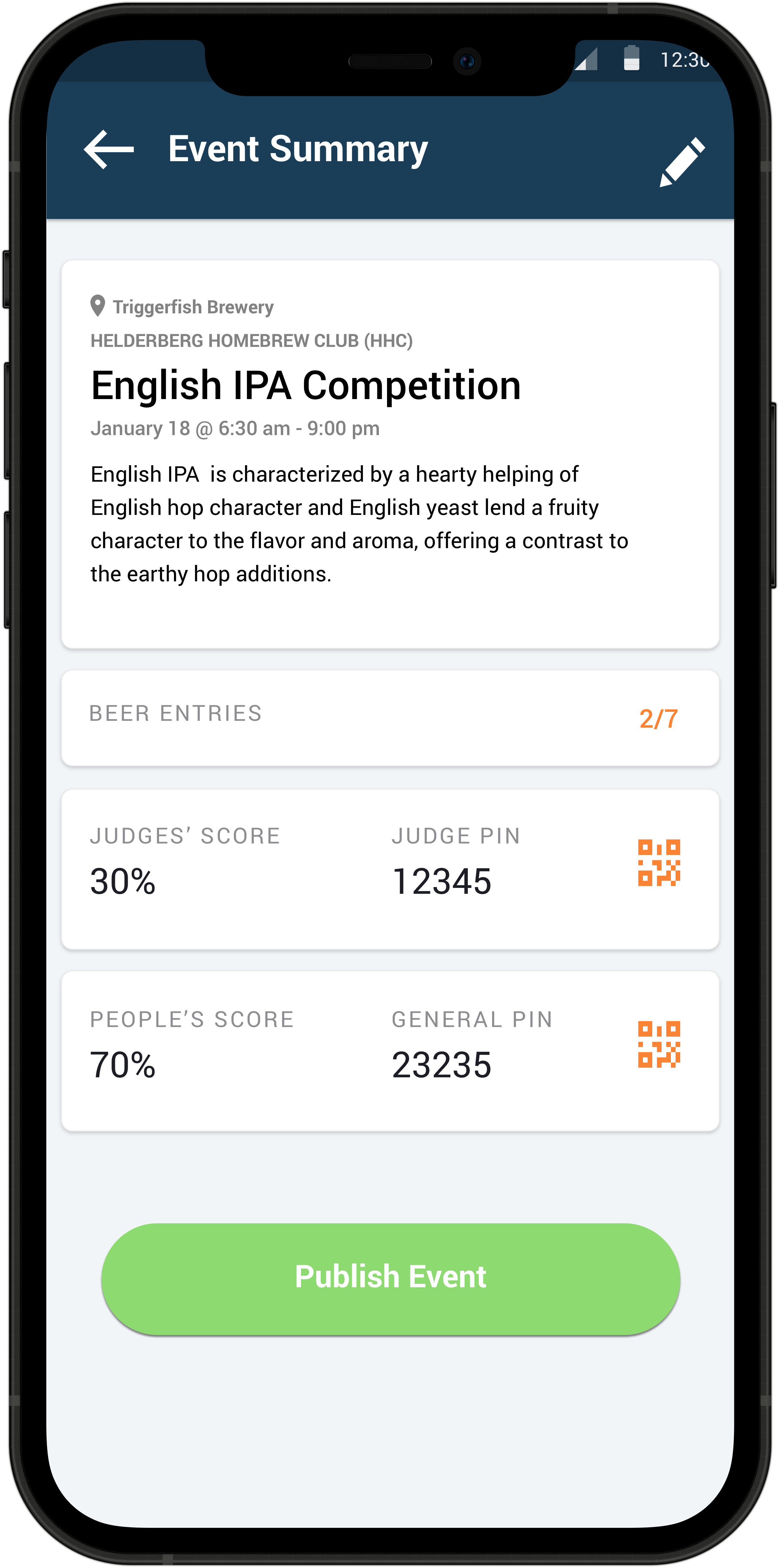
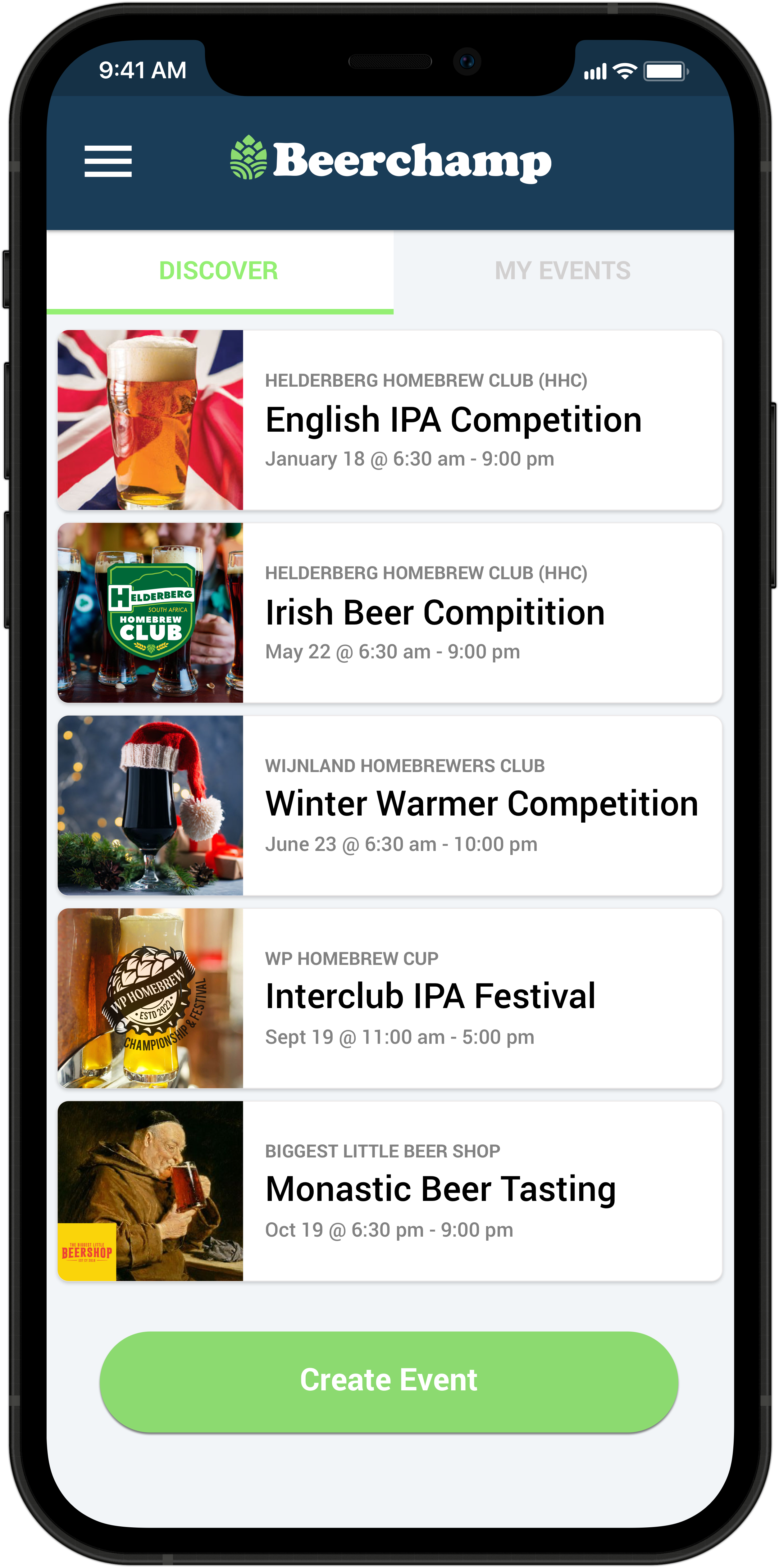
The User that creates an event is the Admin for that event. Admins can view the PIN needed to enter and start judging the event. Admins can also start the events that they created. They are responsible for checking off the beers that were entered, setting the beer order, starting the event, ending the event and publishing the results at the end.
Start event
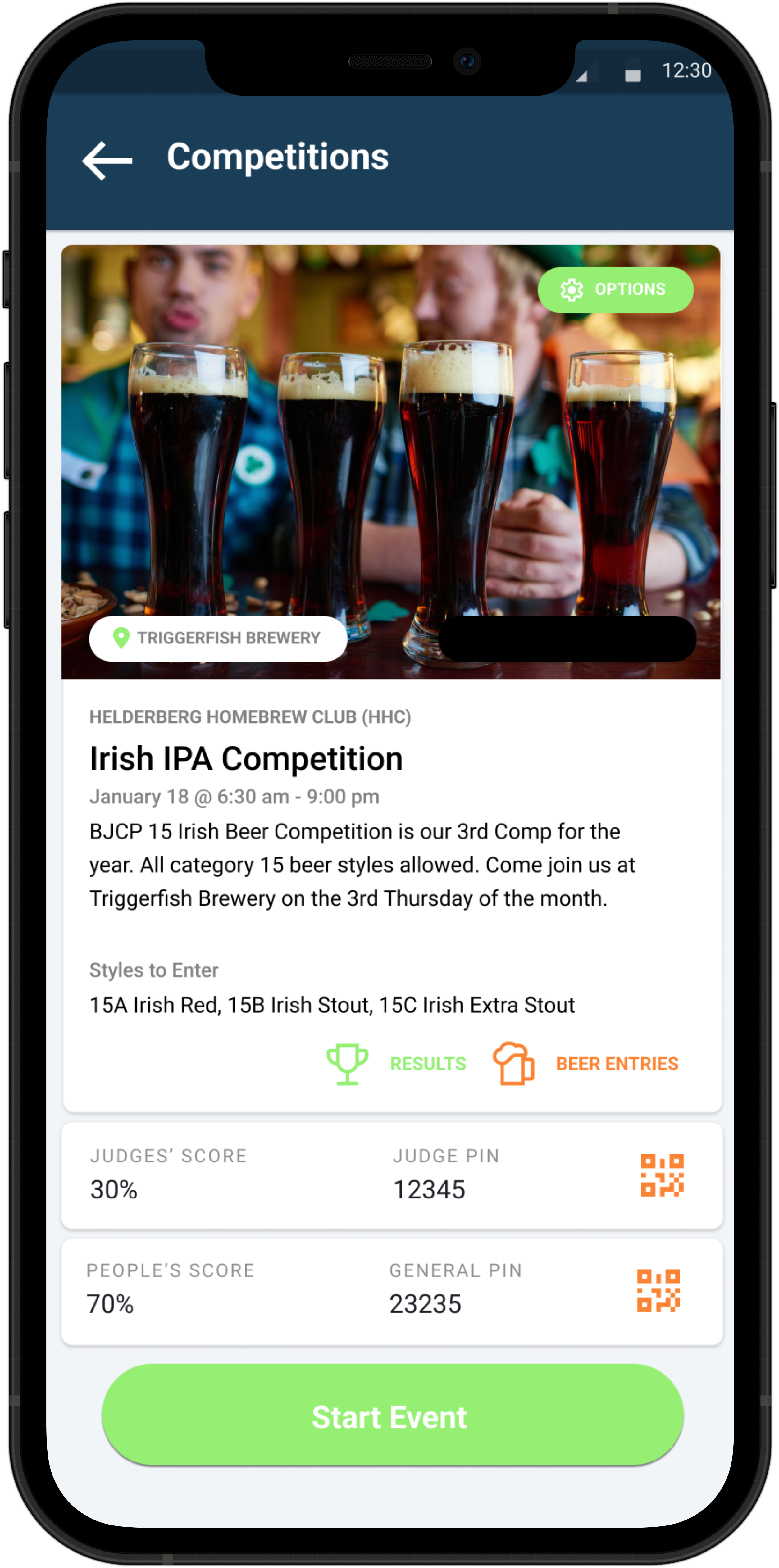
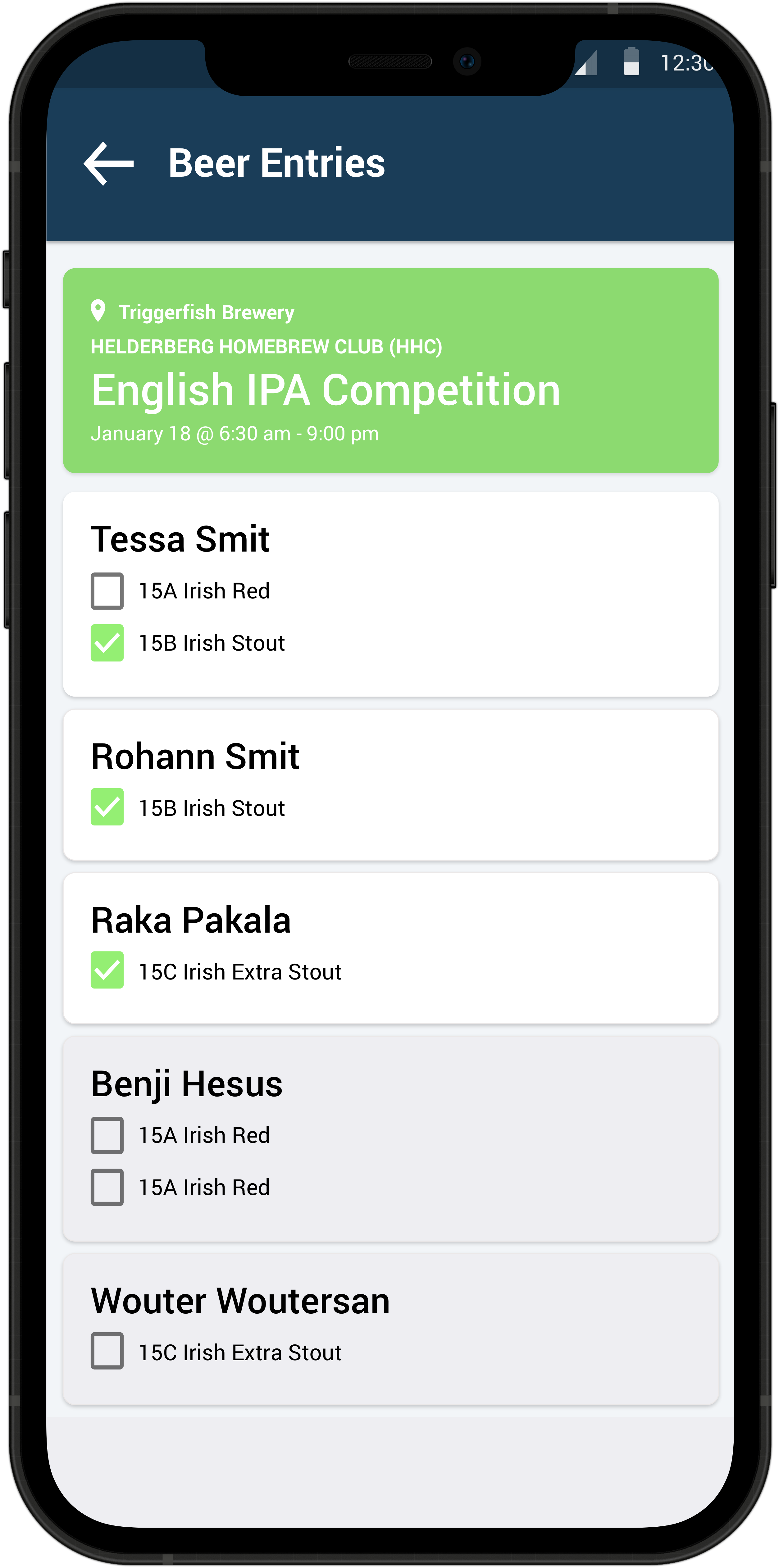
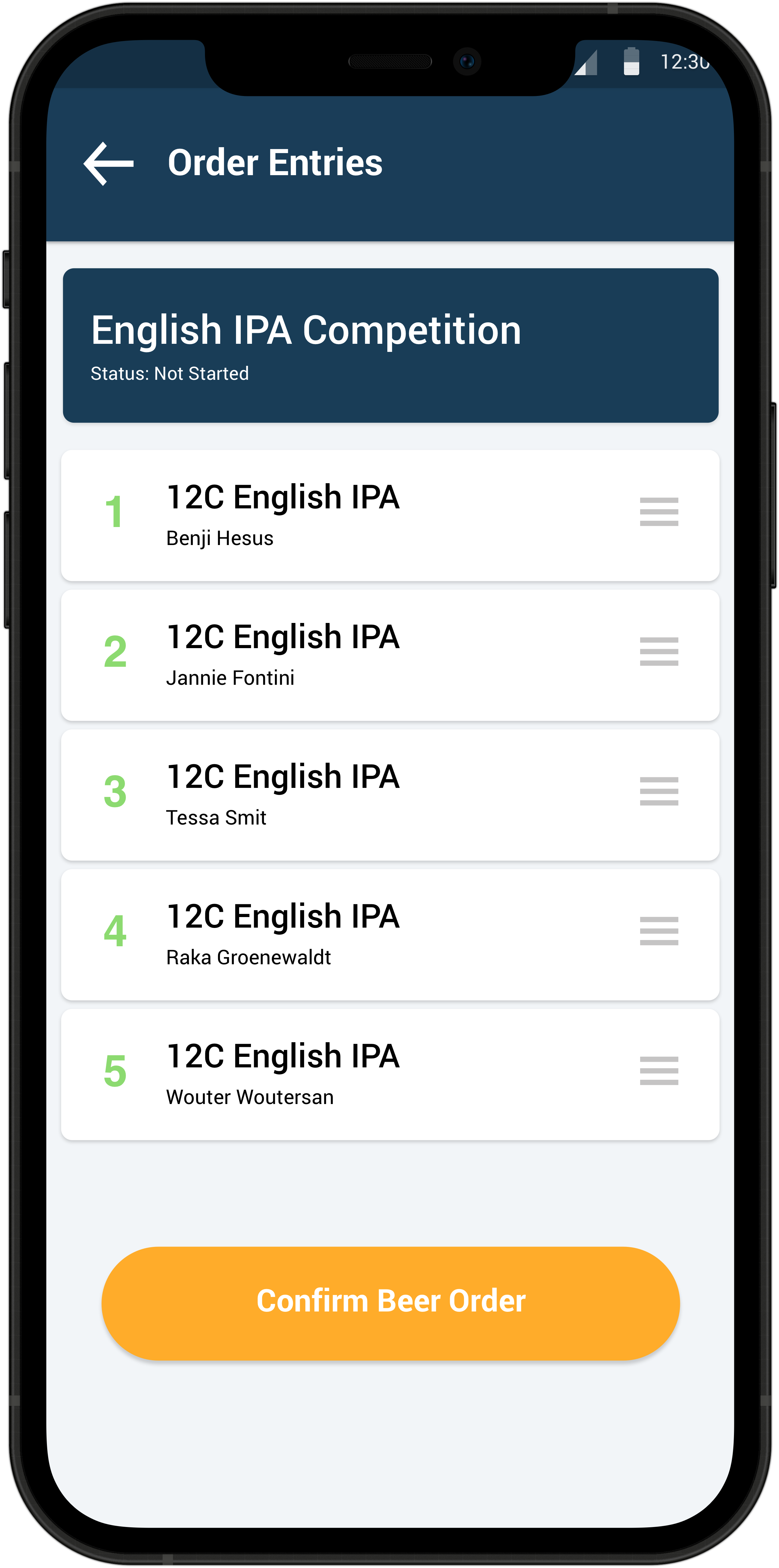
Users can enter the event up and till the starting time. At the event the Admin can check off all the entered beers he or she received. Only those beers marked as received will be available for scoring. Once they have received all the beers present, they can start the event. The app also gives the Admin user the ability to reorder the beers in any order that they are going to be served at. This will allow everyone at the event that the Event PIN was given to, to start judging. The reason for a PIN is to make sure only active participants who are at the actual event to taste the beers can judge.
Start judging
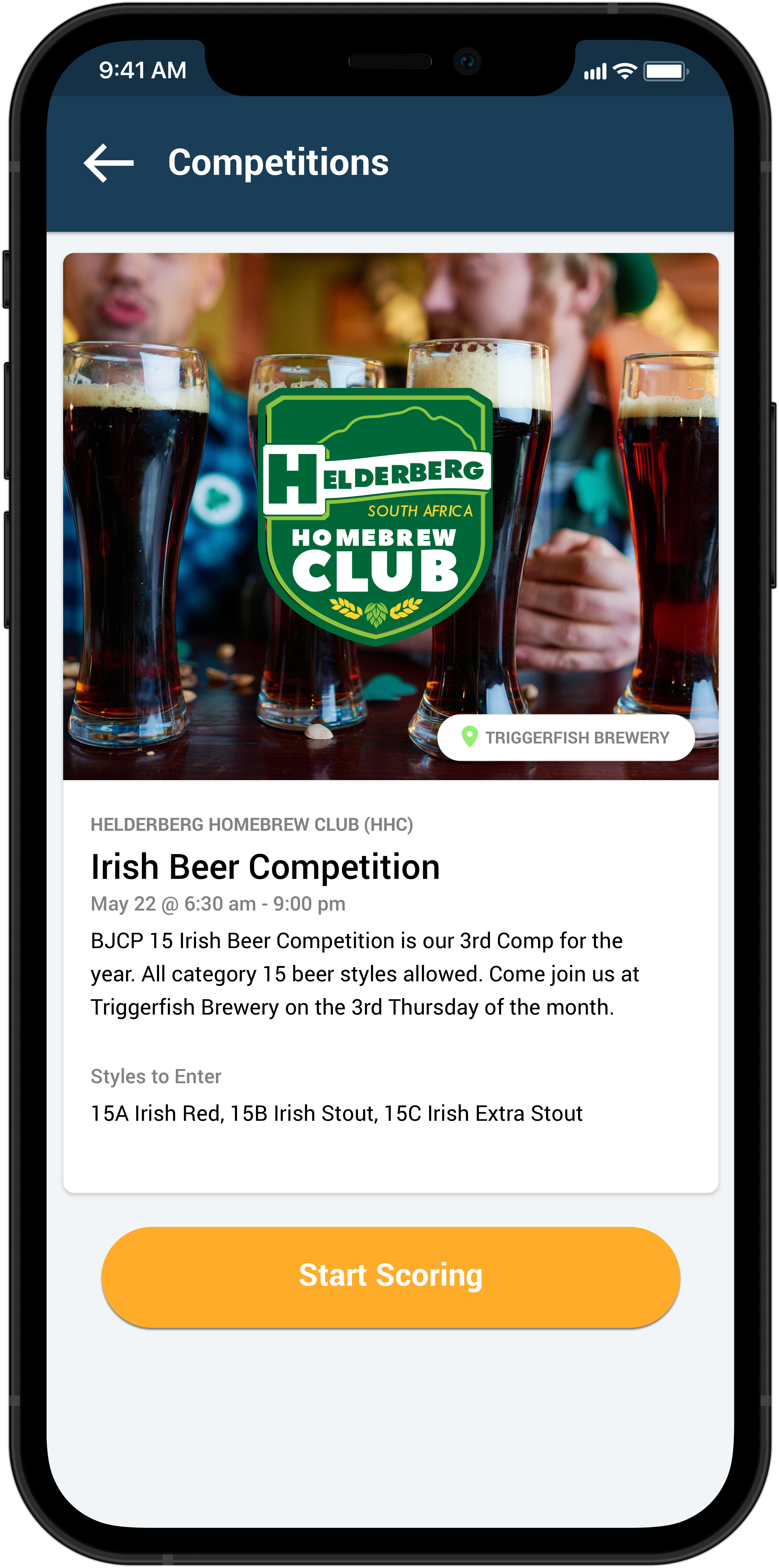
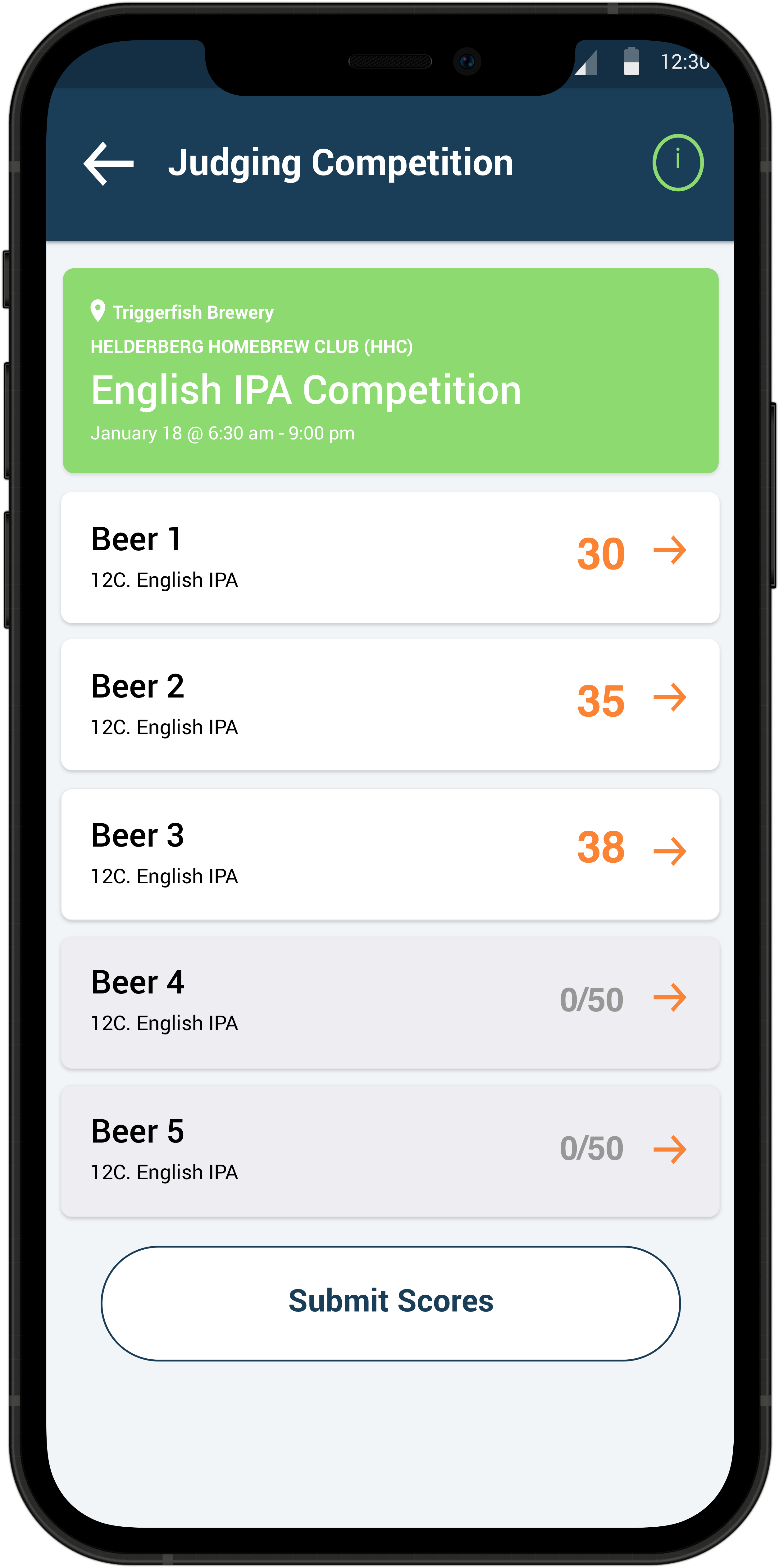
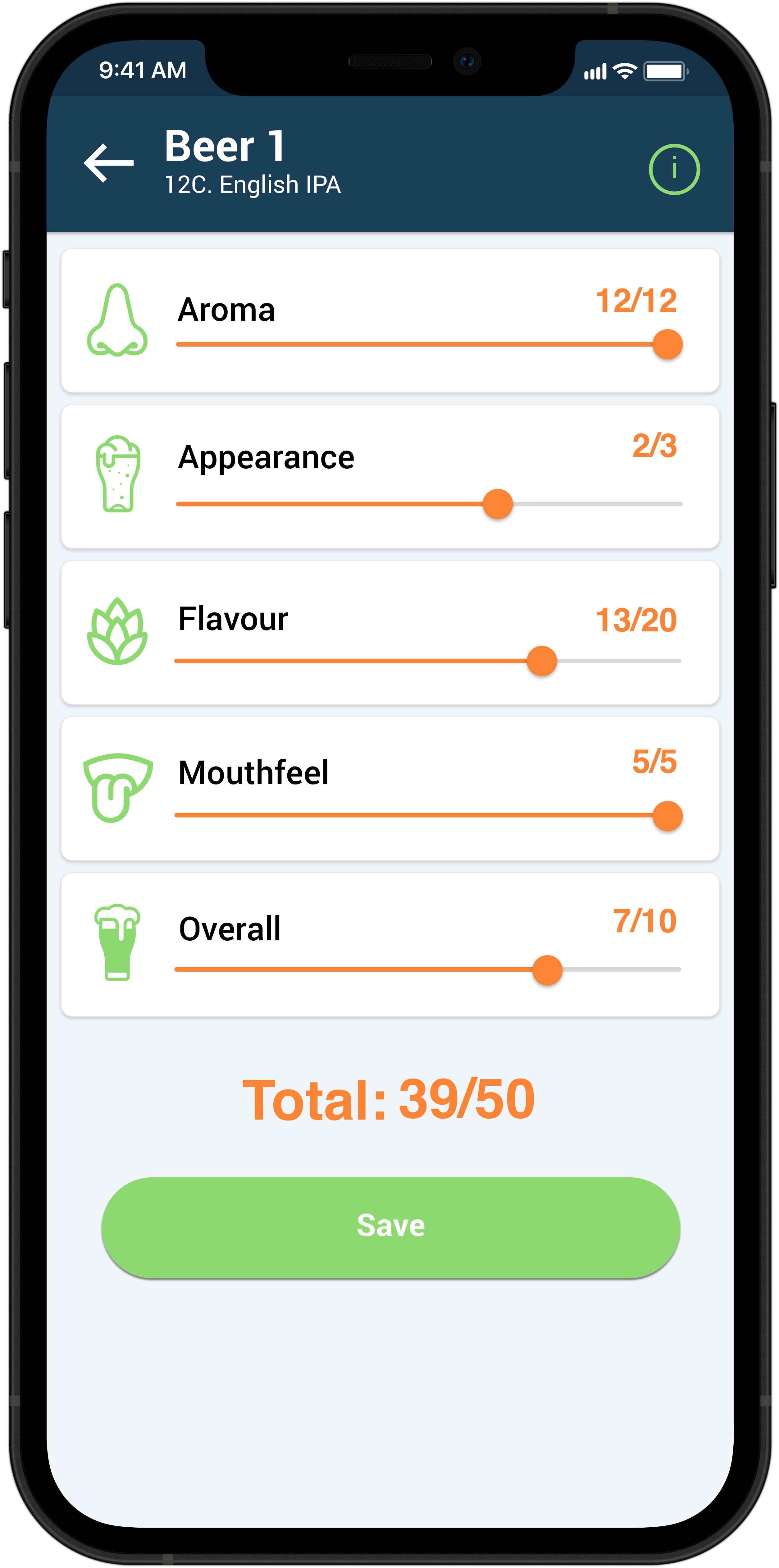
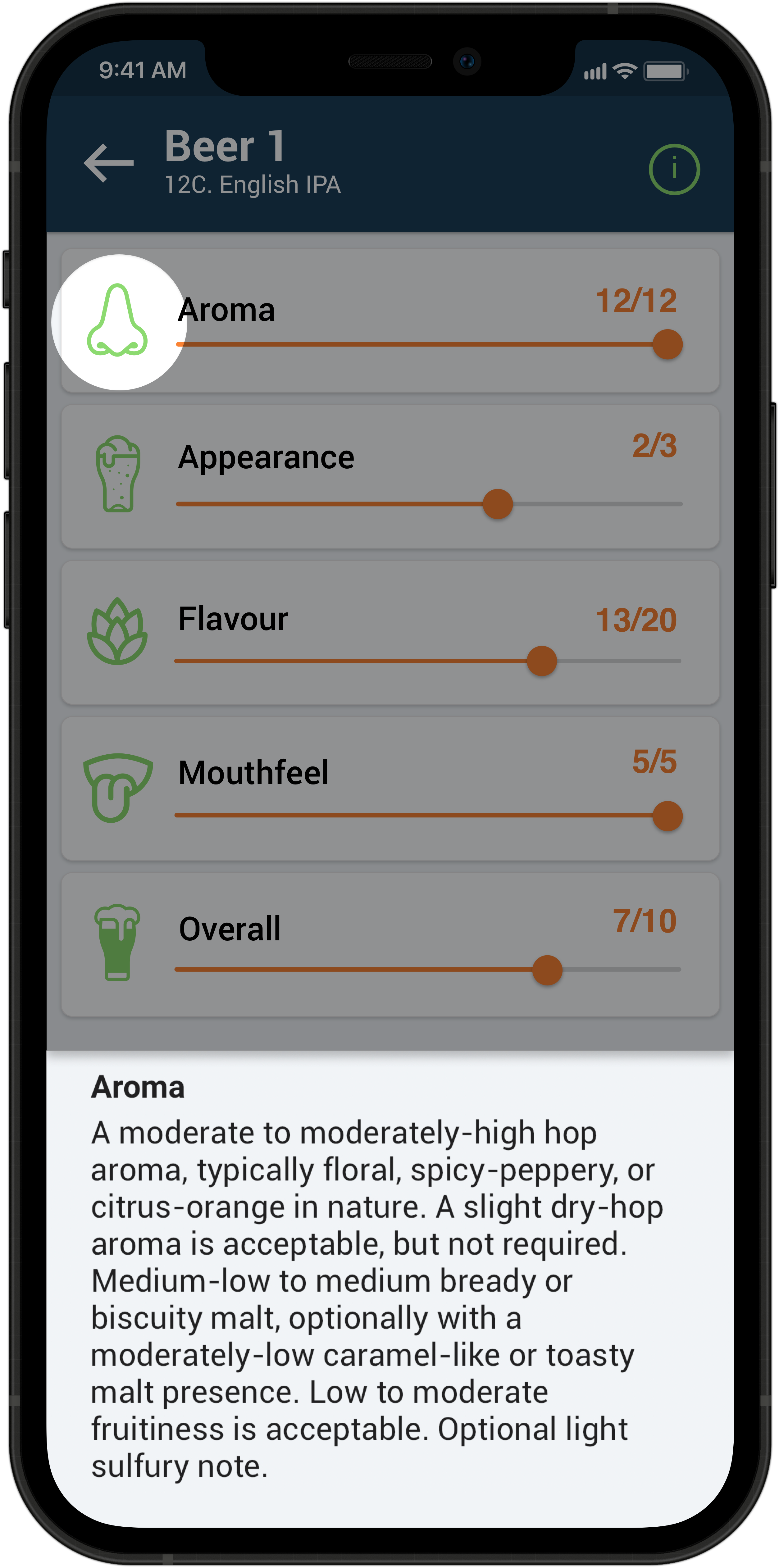
Once the event has started the people present that have been supplied with the Event PIN can start judging. While scoring each beer in any order, you can tap on the icons on the left to see tasting notes for that style. When you are done scoring each beer, you can submit the scores and wait for everyone else to finish.
Publish results
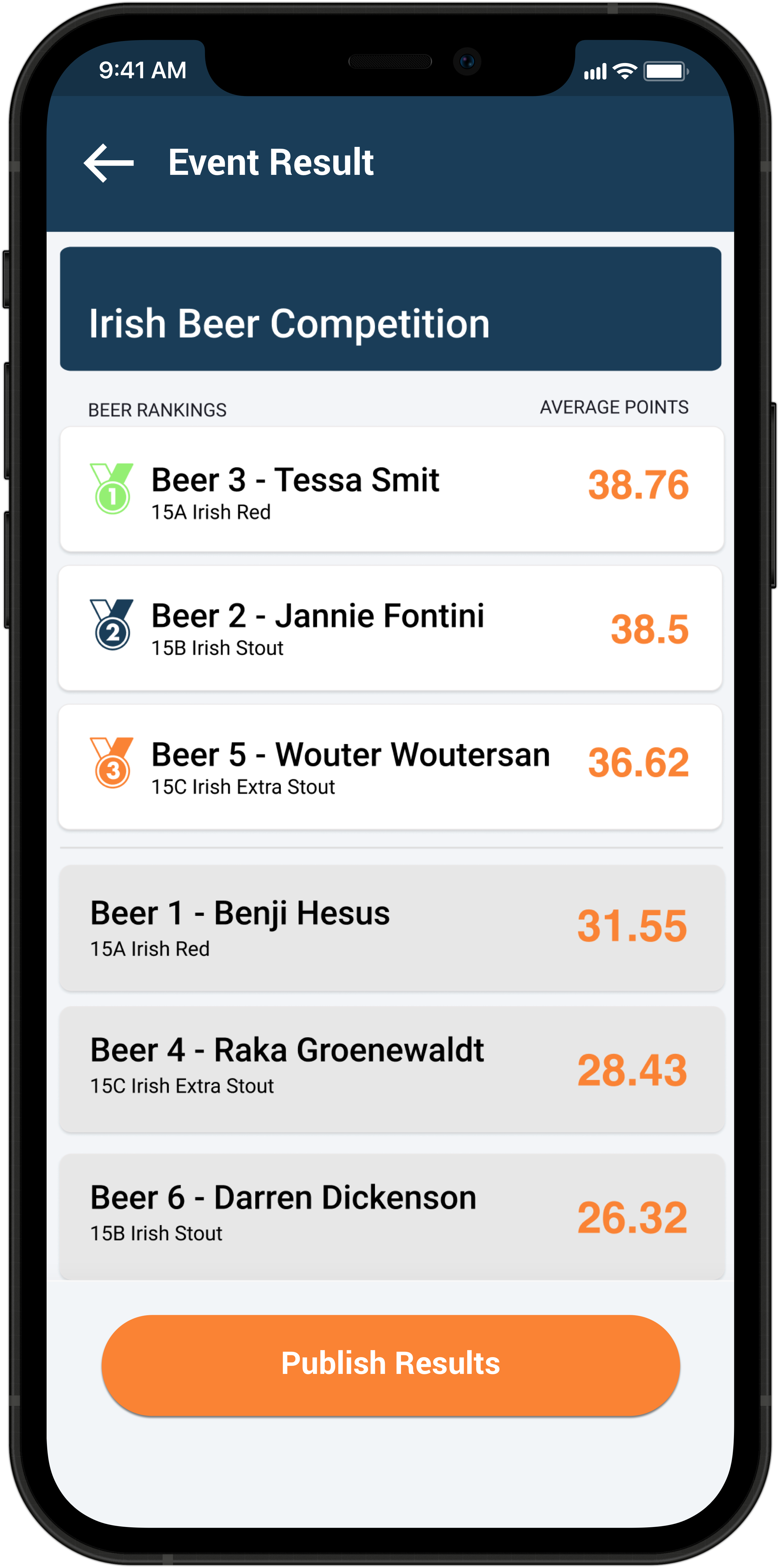
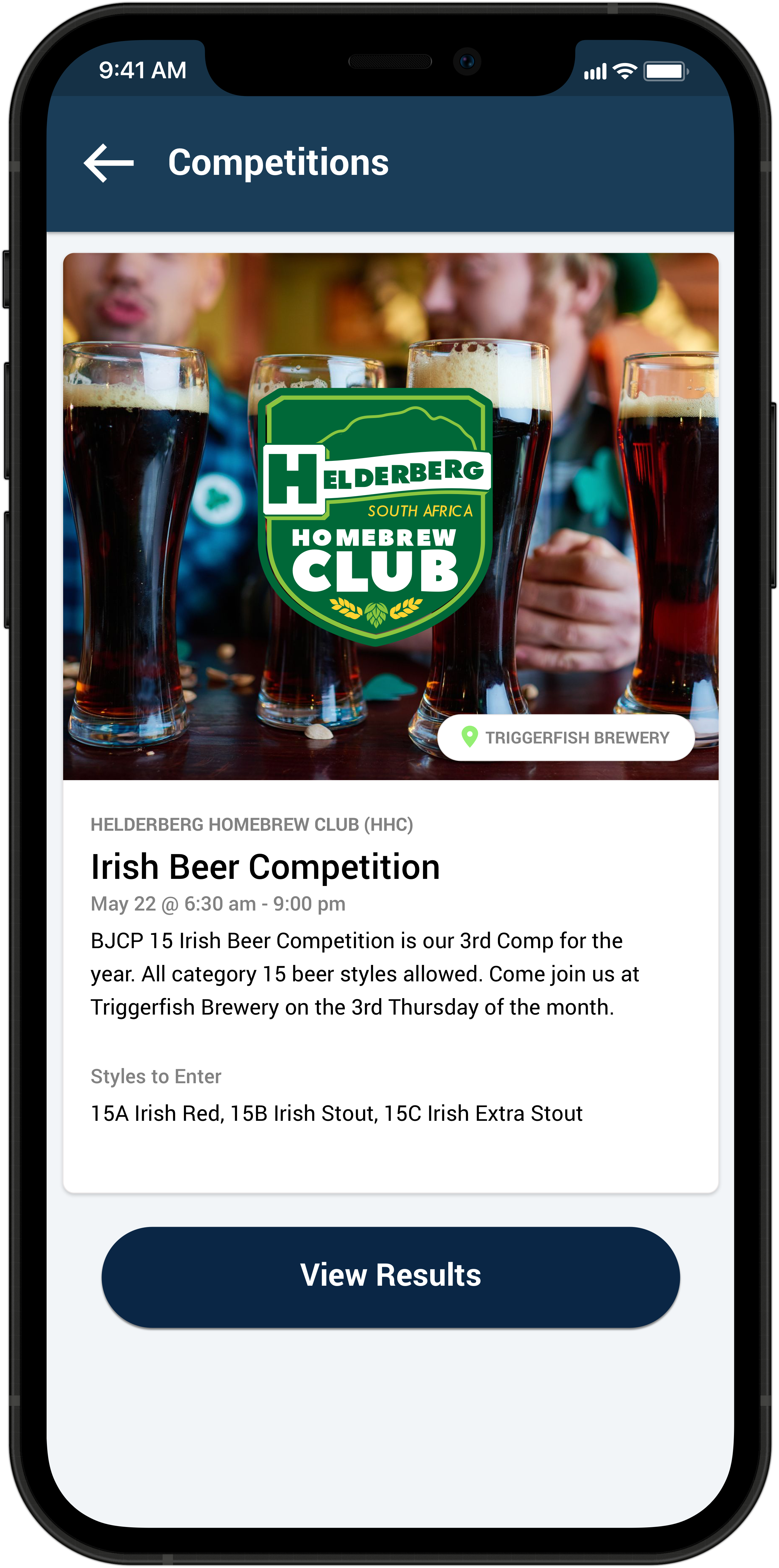
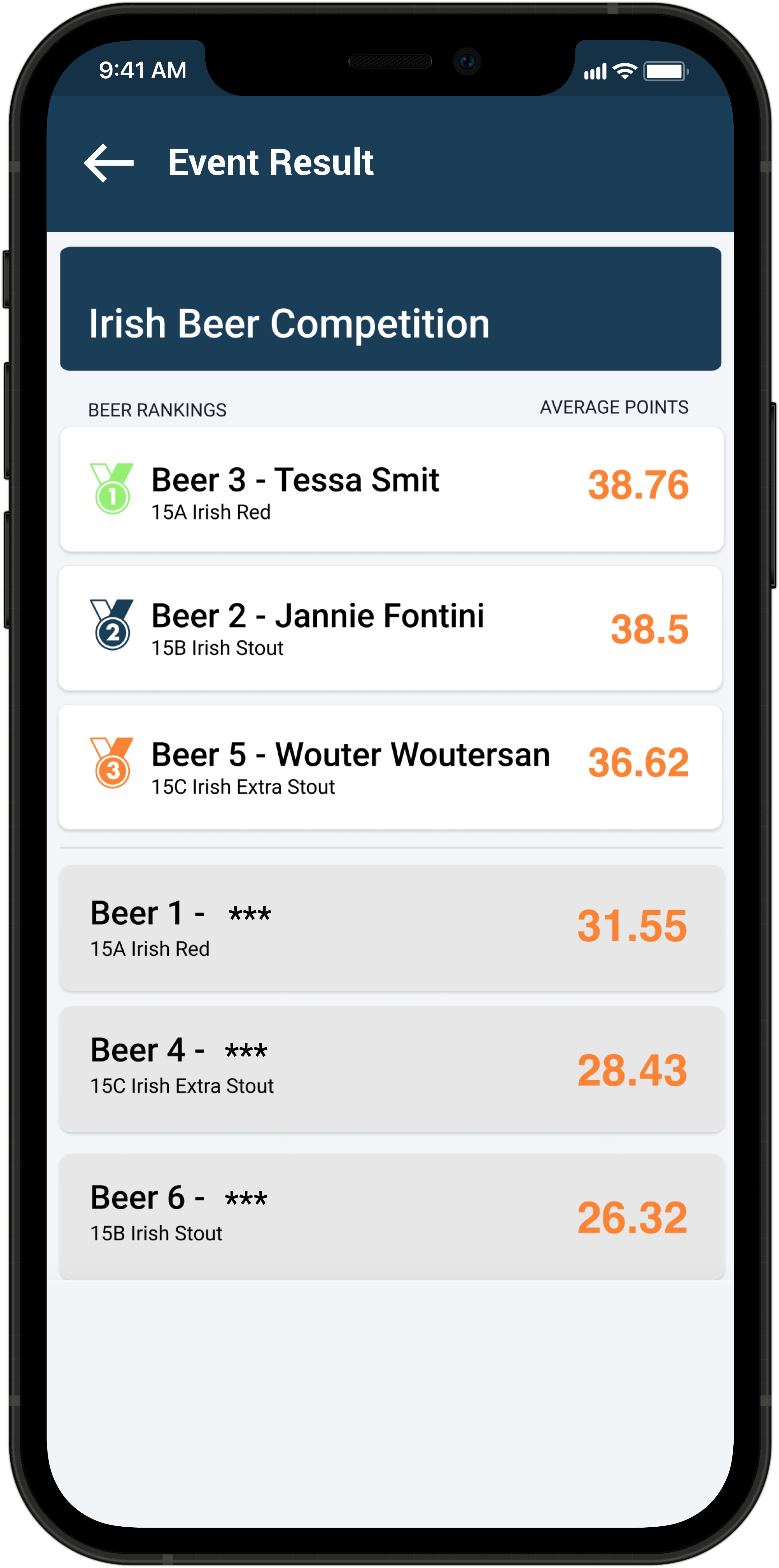
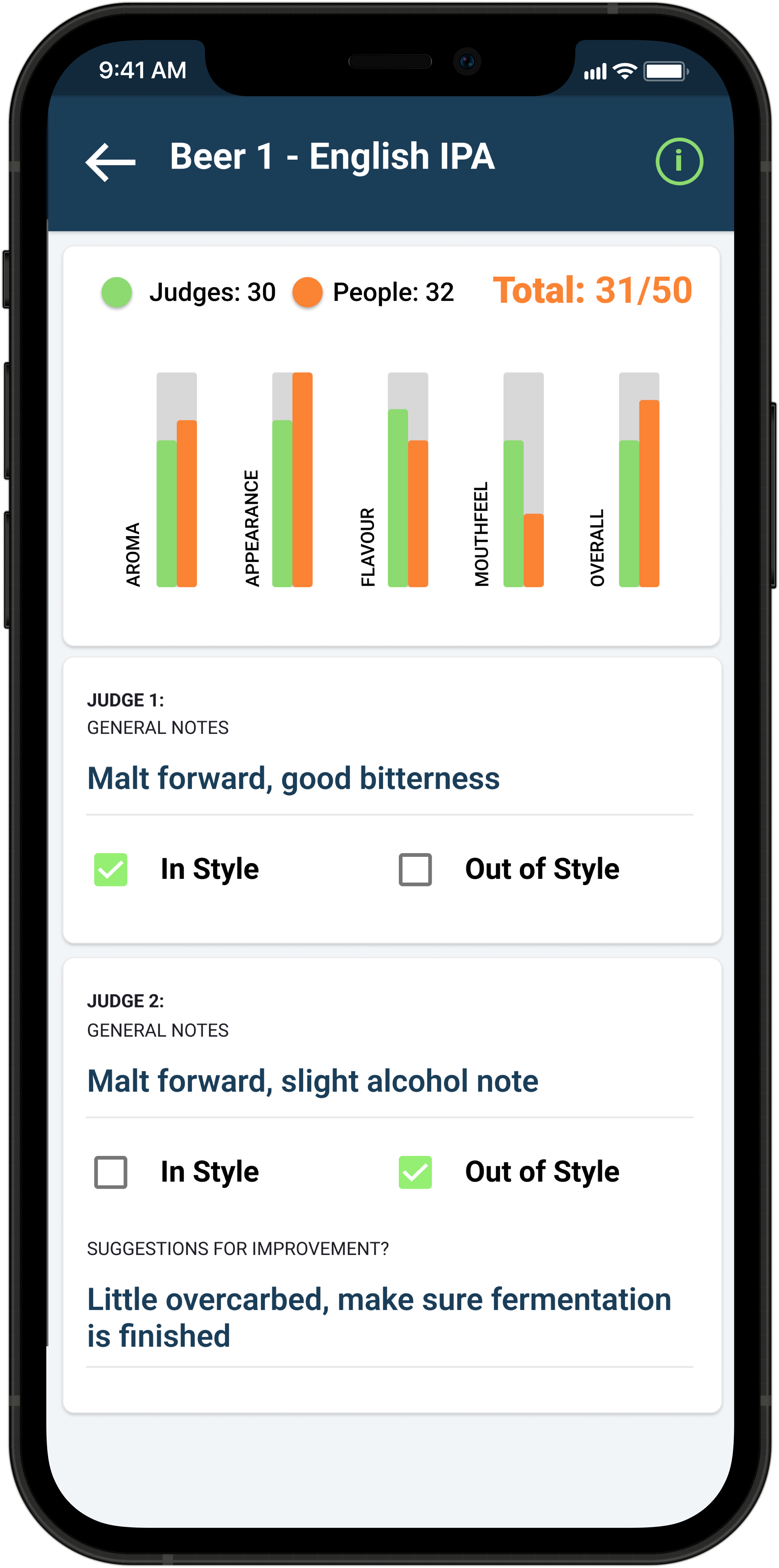
While the event is going on, only Admin users can see the results coming in as well as everyone’s names next to their beers entries. Once everyone has scored, the Admin stops the event by publishing the results. Everyone can then see the final leaderboard rankings, but the only names they will be able to see are the top three and their own beer if they entered. If you tap on the results of one of your own scores, you’ll see a summary of how people scored your beer. And if it was an official judging event, you’ll find your judges’ comments there.
If you have any questions, let us know at info@beerchamp.co.za. We would love to hear from you!